The short answer
Give each role the device that matches how it takes calls. People who answer a lot of calls at a fixed desk still do best with a desk phone or a softphone and a good headset. People who move need the mobile app. Most businesses end up with a mix, and the cloud system lets one person use more than one device on the same extension.
The three options in plain English
All three can be the same extension on a cloud phone system. A call can ring the desk phone, the computer and the mobile at once, and you answer on whichever is closest. The question is which one each person relies on.
- Desk phone
Always on, one button away
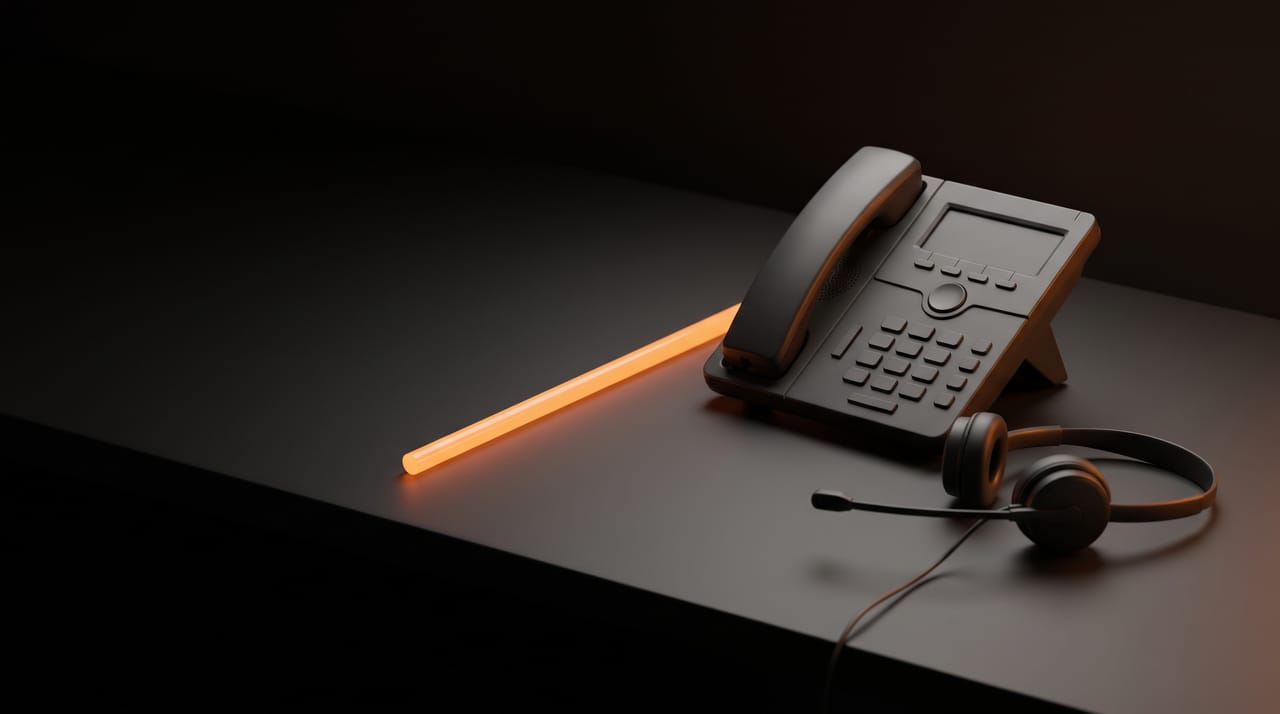
A handset on the desk, plugged into the office network. Boots in the morning and stays ready. Busy lamp keys show who is on a call, which reception relies on.
- Softphone
The phone on your computer
An app on a laptop or desktop, used with a headset. Click-to-dial, contacts and call history on screen. Only works when the computer is on, awake and signed in.
- Mobile app
Your business number in your pocket
Calls in and out show your business number, not your personal mobile. Depends on the phone’s settings to ring reliably.
Choose by role
Pick the role that matches each person. The answer shows what usually works and what to watch.
Who are you choosing for?
Desk phone with busy lamp keys, plus a headset
Reception sees who is free and transfers in one press. A wireless headset lets them move from the desk without missing calls. Add the softphone if they also book appointments on screen.
Softphone and a good headset, desk phone optional
Click-to-dial from the CRM or contacts saves time on every call. A noise-cancelling headset matters more here than the handset. Keep a desk phone if the softphone computer is shared or restarts often.
Softphone at home, desk phone or hot desk in the office
The same extension follows them. Give them the mobile app as a backup for days the laptop is closed.
Mobile app, set up properly
The app keeps the business number on calls in and out. Spend ten minutes on the phone’s notification and battery settings so it rings reliably. For 000, they use the mobile’s own dialler.
Cordless (DECT) handsets or a rugged wall phone
A softphone does not work in a loading dock. Cordless handsets cover a workshop if the base stations are placed well. Check that any cordless handset will not answer calls automatically.
Mobile app, plus whatever their desk needs
Owners usually want calls anywhere and to stay out of busy hunt groups. Set the app to ring for their direct line only, so sales calls do not follow them home.
Side by side
| Desk phone | Softphone | Mobile app | |
|---|---|---|---|
| Rings reliably | Ready all day | Only while the computer is on and signed in | If the phone’s settings allow it |
| Busy lamp and transfer keys | Physical keys | On screen | Basic transfer, few keys |
| Works away from the office | Stays on the desk | Anywhere with internet | Anywhere with internet or mobile data |
| Audio quality | Consistent | As good as the headset and the network | Varies with signal and Wi-Fi |
| Shows business number on outbound | Yes | Yes | When calling from the app, not the phone’s dialler |
| In a power cut | Stops without power to the network | Laptop battery helps, but the internet needs power | Mobile data still works if the network is up |
| Emergency calls (000) | Depends on the service and power | Do not rely on it | Use the mobile’s own dialler instead |
If a site will have no desk phones, everyone there needs a working mobile and to know to use its own dialler for emergencies. See Will your business phones work in a power or internet outage? and ACMA: Emergency calls.
Headsets: the part people forget
A softphone is only as good as the headset. Laptop microphones pick up the room and the keyboard. Budget for headsets in the same conversation as the phones.
- Wired USB
Fixed desks
No battery to charge, simplest to support. Best for people who sit down all day.
- DECT wireless
Reception and busy desks
A base on the desk, long range around the office. Good for people who stand up to fetch things mid-call.
- Bluetooth
Hybrid and mobile
Pairs with a laptop and a mobile. A USB dongle gives a more stable link to a computer than built-in Bluetooth.
Whatever you choose, check that its buttons work with your phone app.
Run a one-week trial before you buy for everyone
Pick two or three people from different roles and give them the set-up for a week. Ask each of them what worked and what got in the way, then order for the team.
Choose the testers
One heavy phone user, one hybrid worker and one person who is often away from the desk.
Set the same extension on every device they will use
So you learn which device they actually reach for.
Score daily
Missed calls, audio complaints from callers, how often they changed device mid-call, and comfort after a full day.
Decide by role, not by person
Use the results to set a standard for each role. Exceptions are fine, but start from the standard.
Sources and further reading
- Microsoft Learn: QoS on Teams phones (audio bandwidth estimates)
- ACMA: Emergency calls
- nbn: What happens in a power blackout
Checked 12 November 2026. Product menus and provider rules change; check the linked source if something looks different.